۷ ابزار ضروری برای صاحبان کسبوکار کوچک: وقتت رو نجات بده و کارت رو منظمتر کن
- ارسال شده توسط Sarah Moradi
- تاریخ آوریل 19, 2025
راهاندازی و مدیریت یه کسبوکار کوچیک (اونم وقتی همهچیز رو خودت باید انجام بدی) یه کار شجاعانهست.
از ارتباط با مشتری گرفته تا تولید محتوا، حسابداری، مدیریت پروژه و… انگار همیشه یه چیزی عقب افتاده، همیشه کاری هست که مونده.
اما یه راز مهم این وسط هست:
خیلی وقتها مشکل ما نداشتن وقت نیست… مشکل نداشتن «ساختار» و «ابزار درسته».
در این مقاله، میخوام بهت ۷ تا ابزار کاربردی، ساده، و تا حد زیادی رایگان معرفی کنم که کمک میکنن کارت رو منظمتر کنی، زمان بیشتری برای خودت آزاد کنی، و بدون اینکه انرژیت تموم شه، رشد کنی.
✅ چرا ابزارها مهمتر از اون چیزیان که فکر میکنی؟
خیلی از کارهایی که الآن با زحمت زیاد انجامشون میدی، اگه ابزار درست کنارت باشه، خیلی راحتتر، سریعتر و دقیقتر میشن.
ابزار خوب یعنی:
تمرکز بیشتر
فراموشی کمتر
استرس پایینتر
نتیجهی بهتر
و شاید مهمتر از همه: وقت آزادتر برای فکر کردن، استراتژی داشتن و لذت بردن از کاری که داری میکنی.
۱. Notion – همهچیز رو یهجا داشته باش
اگه یه جا باشه که بتونی:
لیست کارای روزانهت رو بنویسی
برنامهریزی محتوایی انجام بدی
فایلهای مهم کارت رو جمع کنی
برای هر بخش از بیزینست سیستم بسازی
اون جا قطعاً Notionـه.
🎯 من خودم بهعنوان مشاور کسبوکار، تمام سیستمسازیهایی که برای خودم و مشتریام انجام میدم، داخل نُوشن طراحی شده.
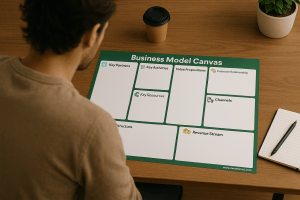
مثلاً: فایل رایگان «بیزینس مدل کانواس» که برات طراحی کردم، داخل همین ابزار ساخته شده.
۲. Toggl Track – وقتت کجا میره؟ ببین!
تا حالا شده ساعت ۶ عصر باشه و با خودت بگی:
«از صبح پای لپتاپم بودم، ولی چرا حس میکنم هیچی جلو نرفته؟»
Toggl یه ابزار زمانسنجیه که خیلی راحت نشونت میده وقتت دقیقاً کجا صرف میشه.
باهاش میتونی:
زمان انجام هر کار رو ثبت کنی
گزارش بگیری که وقتت صرف چه پروژههایی شده
بفهمی چی وقتتلفکنه و چی واقعاً بازده داره
💡 فقط یه هفته ازش استفاده کن، مطمئن باش شگفتزده میشی.
۳. Wave – حسابداری بدون سردرد
اگه از حسابکتاب و فاکتور فراری هستی، Wave دقیقاً برای تو طراحی شده.
مزایاش:
صدور فاکتور حرفهای (حتی با لوگو و رنگ برندت)
پیگیری پرداختها
مدیریت هزینهها و درآمدها
همه اینا هم رایگان!
🎯 برای کسایی که فریلنسرن یا مشاور، Wave یه راه حل فوقالعاده ساده و تمیزه.
۴. Google Calendar – برنامهریزی با رنگ و نظم
شاید ابزار پیچیدهای نباشه، ولی گوگل کلندر میتونه واقعاً زندگی کاریت رو تغییر بده.
چطوری؟
زمان کارت رو بلوکبندی کن (مثلاً صبح محتوا، عصر مشتری)
رنگبندی دستهبندیها رو داشته باش (آبی = محتوایی، قرمز = مشتری، خاکستری = کارهای اداری)
زمان استراحت و تفریح رو هم فراموش نکن!
💡 وقتی زمان رو ببینی، بهتر مدیریتش میکنی.
۵. Loom – آموزش بده، ضبط کن، همیشه استفاده کن
فرض کن قراره یه کاری رو چند بار توضیح بدی. هر بار وقتت میره و شاید حوصلهت هم.
با Loom فقط یه بار ضبط میکنی، بعدش همیشه همون ویدیو رو برای آموزش یا ارسال به مشتری استفاده میکنی.
بهدرد میخوره برای:
آموزش دادن مراحل انجام کار
فرستادن نکات به مشتری یا همکار
مستندسازی روند کارت (حتی اگه فعلاً فقط خودتی)
🎯 اگه میخوای یه روزی تیم بسازی، از الآن شروع کن مستند کردن رو.
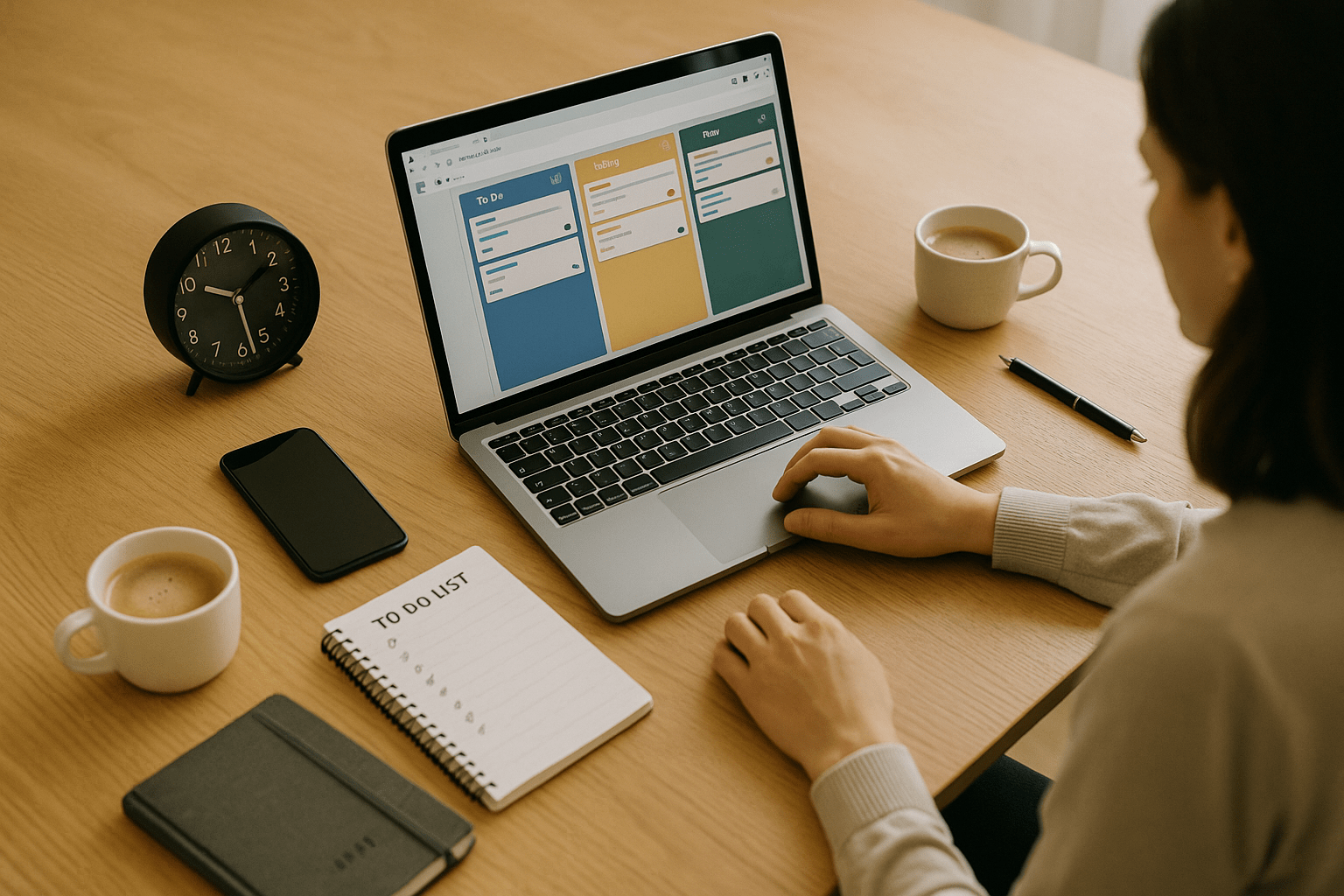
۶. Trello – برنامهریزی بصری و راحت
یه ابزار تصویری و خیلی ساده برای مدیریت کارها و پروژهها.
توی Trello میتونی:
پروژههات رو کارتکارت بچینی
کارهای روزانه یا هفتگی رو ببینی
وضعیت هر کار رو با drag & drop عوض کنی
💡 من خیلی از سیستمهای محتوام رو با Trello شروع کردم. بعداً راحت منتقلش کردم به نُوشن.
۷. Calendly – دیگه وقت قرار گذاشتن عذاب نیست!
جلسه تنظیم کردن با مشتری یا همکار، وقتی از راه واتساپ یا پیام هست، کلی وقت و انرژی میگیره.
Calendly کارو برات آسون میکنه:
زمانهایی که آزاد هستی رو مشخص میکنی
مشتری یا همکار فقط لینک رو میگیره و خودش انتخاب میکنه
همه چیز بهصورت خودکار وارد تقویم میشه
🎯 برای کسی که مشاوره میده یا تماسهای کاری داره، یه ابزار نجاتدهندهست.
🔗 یه نکته خیلی مهم: ابزار فقط وسیلهست، سیستم اصل کاریه!
خیلیها ابزار دارن ولی همچنان کارشون بینظمه.
چرا؟ چون فقط ابزار داشتن کافی نیست، باید سیستم داشته باشی.
📌 سیستم یعنی:
یه روند مشخص و تکرارپذیر
که کارهات طبق اون پیش بره
و با ابزارهایی مثل نُوشن، تریلو و… اجرا بشه
🎁 هدیه من بهت
از کجا شروع کنی؟
با فایل رایگان بیزینس مدل کانواس شروع کن که کمک میکنه ساختار کلی کارت رو ببینی و بعد ابزارها رو بچسبونی بهش.
→ دانلود رایگان قالب بیزینس مدل
یا اگه میخوای گامبهگام کارت رو سیستمسازی کنی، راهنمای سیستمسازی با قیمت ۳۹ دلار رو حتماً ببین — همهچیز آمادهست.
☕ دوست داشتی ازم حمایت کنی؟
اگه این مقاله برات مفید بود، میتونی یه قهوه مهمونم کنی تا با انرژی بیشتری ادامه بدم:
ممکن است همچنین دوست داشته باشید
7 Must-Have Tools for Solo Entrepreneurs to Save Time and Stay Organized
- ارسال شده توسط Sarah Moradi
- تاریخ آوریل 19, 2025
Running a business solo is rewarding — you’re your own boss, your own brand, and your own decision-maker.
But let’s be honest: It can also be exhausting.
You’re managing client work, marketing, finances, emails, admin tasks, content creation… and oh, don’t forget your actual product or service.
Without systems and structure, you risk burnout — and your business growth hits a ceiling.
That’s where the right tools come in.
They’re not just “nice to have” — they’re essential for creating clarity, saving hours every week, and growing without overwhelm.
Let’s dive into 7 battle-tested tools that I’ve used personally (or with my clients) — to help solo entrepreneurs like you build a smooth-running business.
🧠 Why You Need Tools — Not Just Hustle
Being a solopreneur doesn’t mean doing everything manually.
In fact, the more hats you wear, the more important it is to build structure around your workflow — so your brain isn’t constantly switching gears or overloaded with decisions.
Tools:
Help you manage your time and tasks efficiently
Reduce mental clutter
Create repeatable systems
Make your business feel lighter and more professional
The best part? Most of them are free or very affordable.
🔧 1. Notion – Your Digital HQ
If I had to recommend only one tool to a solo entrepreneur, it would be Notion.
Think of it as your all-in-one digital workspace — where ideas, tasks, plans, goals, and client projects all live in one place.
You can use Notion for:
Weekly planning and daily to-dos
Creating your business strategy and tracking goals
Building SOPs (Standard Operating Procedures)
Organizing content, launches, collaborations, clients, and more
🎯 I run my entire business inside Notion — and I help clients build systems inside it too.
🧩 Free Resource:
Get started with my free Business Model Canvas Template in Notion — no fluff, just clarity.
⏱️ 2. Toggl Track – Time Management That Works
If you ever feel like you’ve worked all day but got nothing done — you probably need Toggl Track.
This tool helps you:
See where your time really goes
Measure how long projects or client work takes
Discover tasks that drain your energy without real return
Identify your most productive time slots (hello time-blocking!)
💡 Try this:
Track your time for one week. You’ll be surprised how much of it gets lost in “busy work.”
🧾 3. Wave – Your Finance Friend
Let’s be real: most of us didn’t become entrepreneurs because we love accounting.
But tracking your income, sending invoices, and seeing your business finances clearly is crucial — especially when you’re solo.
Wave makes it simple, clean, and completely free.
You can:
Send branded, professional invoices in minutes
Track payments, expenses, and categories
Get basic reports (great for tax time!)
Accept online payments if needed (optional)
🎯 Great for freelancers, coaches, consultants, or product sellers who don’t want to invest in complex tools like QuickBooks.
📆 4. Google Calendar – Structure That Works
Sometimes, basic is best.
Google Calendar is one of the most underrated tools — and when used well, it becomes your time architect.
Use it to:
Block time for focused work
Reserve “CEO time” each week for strategy
Batch similar tasks together (e.g. content, admin, delivery)
Visualize your workload and prevent burnout
💡 Pro Tip:
Use color-coded calendars for:
Client work
Content creation
Personal tasks
Breaks and buffer zones
This alone can give you a massive productivity boost.
📹 5. Loom – Communicate Smarter
If you spend time explaining the same process multiple times — record it once with Loom and reuse it forever.
Loom is:
A video + screen recording tool
Easy to use (one-click record!)
Ideal for documenting how-tos, onboarding, feedback, and client updates
Even if you don’t have a team (yet), Loom is great for:
Future SOPs
Client handovers
Collaborating with freelancers
It’s also a way to “scale your voice” — without always being live.
🗂️ 6. Trello – Simple Visual Planning
Not a fan of spreadsheets? Prefer visuals over lists?
Trello might be your new favorite system.
Its drag-and-drop board layout helps you:
Track your weekly and monthly goals
Plan content across platforms
Map out client projects in phases
Brain dump ideas and prioritize them
You can even use it as a mini CRM (Client Relationship Manager).
💡 Use Trello for a light-weight system before moving to more complex project management tools.
🤝 7. Calendly – Appointment Automation
Scheduling calls manually = back-and-forth emails, timezone confusion, missed messages.
Calendly saves all that energy by:
Showing your available time slots
Syncing with your calendar automatically
Sending reminders and follow-ups
Letting people book without friction
Ideal for:
Discovery calls
Coaching sessions
Podcast interviews
Collaboration meetings
🎯 A must-have for anyone who takes calls or meetings regularly.
🔗 Bonus Tip: Tools are Only Part of the System
Tools are amazing. But systems are what make tools powerful.
Otherwise, you’ll just end up with 20 apps you barely use.
Here’s how to turn tools into a system:
Clarify what you need (save time, stay organized, scale?)
Choose only 1–2 tools per workflow
Create simple repeatable processes around those tools
Store your workflows in one hub (I recommend Notion!)
Review and optimize monthly
🌱 Start simple. Build from there.
📥 Want a Free Head Start?
I created a free Business Model Canvas in Notion to help you build a clear foundation before choosing any tools.
Want to go deeper and systemize your business with ready-made templates and walkthroughs?
→ Check out my Business System Playbook – $39 on Gumroad.
☕ Like this Article?
Support future content and tools by buying me a coffee:
→ Buy Me a Coffee
ممکن است همچنین دوست داشته باشید
How to Systemize Your Small Business in 5 Steps
Running a small business is exciting… and exhausting.You start with passion and purpose — but soon, you’re drowning in to-dos, emails, invoices, and “I’ll do it tomorrow” sticky notes. At some point, it hits you: “I can’t keep doing everything …
نظر بدهید لغو پاسخ
برای نوشتن دیدگاه باید وارد بشوید.